Guides / Lantern Isles: Word Puzzle
Learn a Language with Lantern Isles: 20 Languages and Learning Mode
 ONI Games · Published
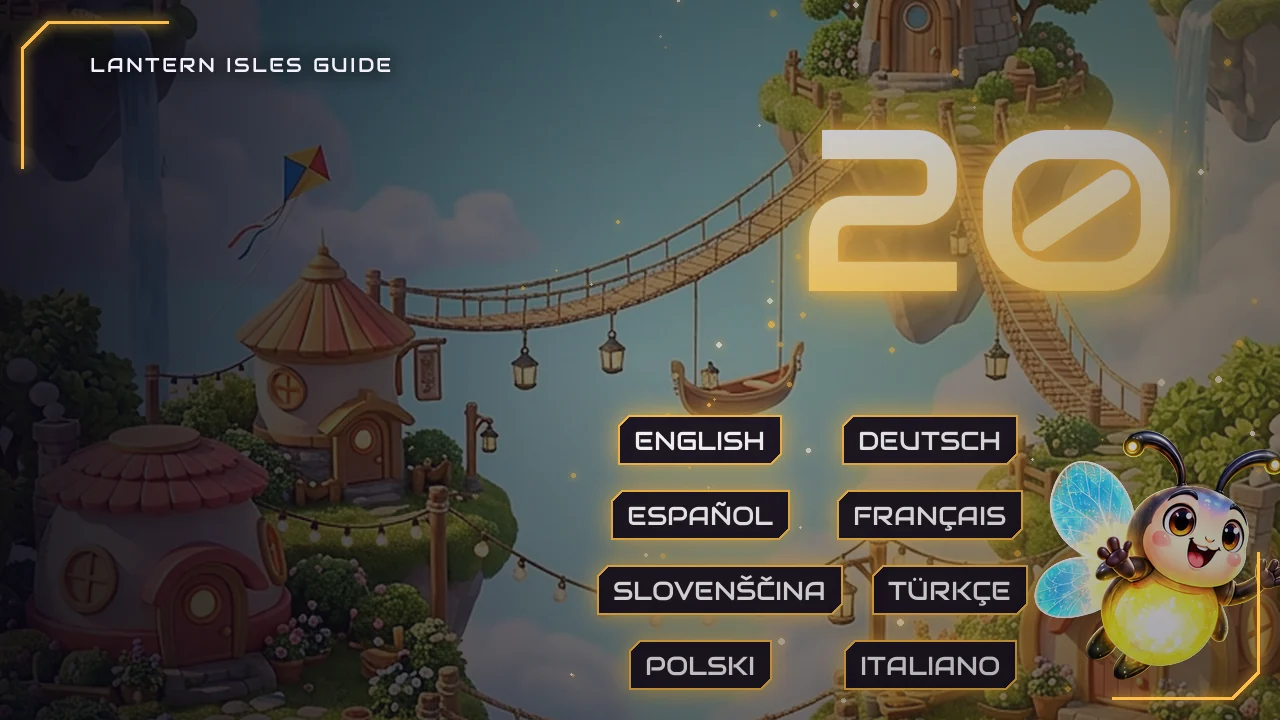
Lantern Isles: Word Puzzle can be played in 20 languages, each with its own word list and levels. How to change the language, how learning mode shows the meaning of every word you find, how many levels each language has, and the settings that make the letters easier to read.
Most word games are translated: the menus change language and the puzzles stay English. In Lantern Isles: Word Puzzle every language has its own word list and its own levels, built from that language's words, and a learning mode turns the game into vocabulary practice.
We make Lantern Isles, so every number in this guide comes from the game's code.
20 languages, each with its own levels
| Language | Levels | Words accepted |
|---|---|---|
| English | 5,000 | 58,706 |
| German | 3,294 | 56,611 |
| French | 4,949 | 87,450 |
| Spanish | 4,896 | 112,541 |
| Portuguese | 4,953 | 140,725 |
| Italian | 4,058 | 91,088 |
| Dutch | 4,937 | 57,668 |
| Polish | 2,452 | 243,033 |
| Turkish | 1,615 | 135,315 |
| Russian | 3,814 | 211,129 |
| Ukrainian | 1,066 | 160,342 |
| Czech | 3,330 | 227,148 |
| Romanian | 3,308 | 132,191 |
| Hungarian | 886 | 196,634 |
| Swedish | 4,973 | 95,284 |
| Danish | 1,913 | 82,384 |
| Norwegian | 3,269 | 66,642 |
| Slovenian | 2,014 | 54,270 |
| Croatian | 1,484 | 103,201 |
| Indonesian | 3,013 | 22,936 |
No language ever runs out: after its own levels, the journey carries on with the harder half of them in a new order every round.
The game starts in your phone's language when it has it; otherwise it asks you to pick one. You can change the language at any time in the settings. Each language keeps its own level, its own dictionary and its own Word of the Day, while your coins, boosters, medals and village are shared.
Learning mode
In the settings, Learn a language lets you play the puzzles in a second language while the menus stay in yours. A chip in the level shows which language you are learning, and the words you find appear above the grid with their translation into your language. The translations are built from Wiktionary.
Tap a found word in the grid and its meaning card shows a short explanation in the language you are learning, a good way to read a little more of it. In My Dictionary, tapping a word shows its rarity and, in learning mode, its translation.
Tips for learners
- Start with the language you know best after your own: the first levels use short, common words, and every new word is shown with its translation.
- Try bonus words. A wrong guess costs nothing but your combo, and every real word you find goes into My Dictionary for that language, a growing list of the words you know.
- Play a little every day. The Daily Challenge is in the language of your puzzles, and the Word of the Day of every language is a quick five-letter workout.
- When a word will not come, use the finger on the letter you cannot place, then tap the finished word to read what it means.
Easier to read and play
The settings also have options that make the game more comfortable:
- Larger letters: the letters in the grid and on the wheel are 15% bigger.
- Dyslexia-friendly letters: the puzzle letters switch to the OpenDyslexic font.
- High contrast: the puzzle letters turn black with a strong outline.
- Left-handed: the boosters move to the left side of the screen, where your thumb is.
- Sounds, Music, Vibration and Reminders can each be turned off on their own.
Your progress is safe
Sign in to Google Play Games and the game keeps a copy of your whole progress, your dictionaries included, in your Play Games saved games. A new phone or a reinstall brings it back by itself, and on a phone that already has progress of its own the game asks you first.
Languages FAQ
Which languages does Lantern Isles have?
English, German, French, Spanish, Portuguese, Italian, Dutch, Polish, Turkish, Russian, Ukrainian, Czech, Romanian, Hungarian, Swedish, Danish, Norwegian, Slovenian, Croatian and Indonesian.
Can I learn a language with Lantern Isles?
Yes. Turn on Learn a language in the settings: the puzzles switch to the language you pick, and the words you find are shown with their translation into yours.
Are the levels the same in every language?
No. Every language has its own word list and its own levels, built from its own words.
Does changing the language reset my progress?
No. Each language keeps its own level and dictionary, so you can switch back at any time, and your coins, boosters and medals are shared.
Pick your language in Lantern Isles: Word Puzzle, free on Google Play.

 Scan to install on your phone