Guides / Android Help
Lost Your Progress in Idle Ronin, Idle Summoner, Block Brain or Idle AI Factory? How to Get It Back
 ONI Games · Published
Progress gone after a reinstall, a reset or a new phone? How the cloud save works in each of our four games, the exact steps to load it, and what to avoid so a fresh start never replaces your real save.
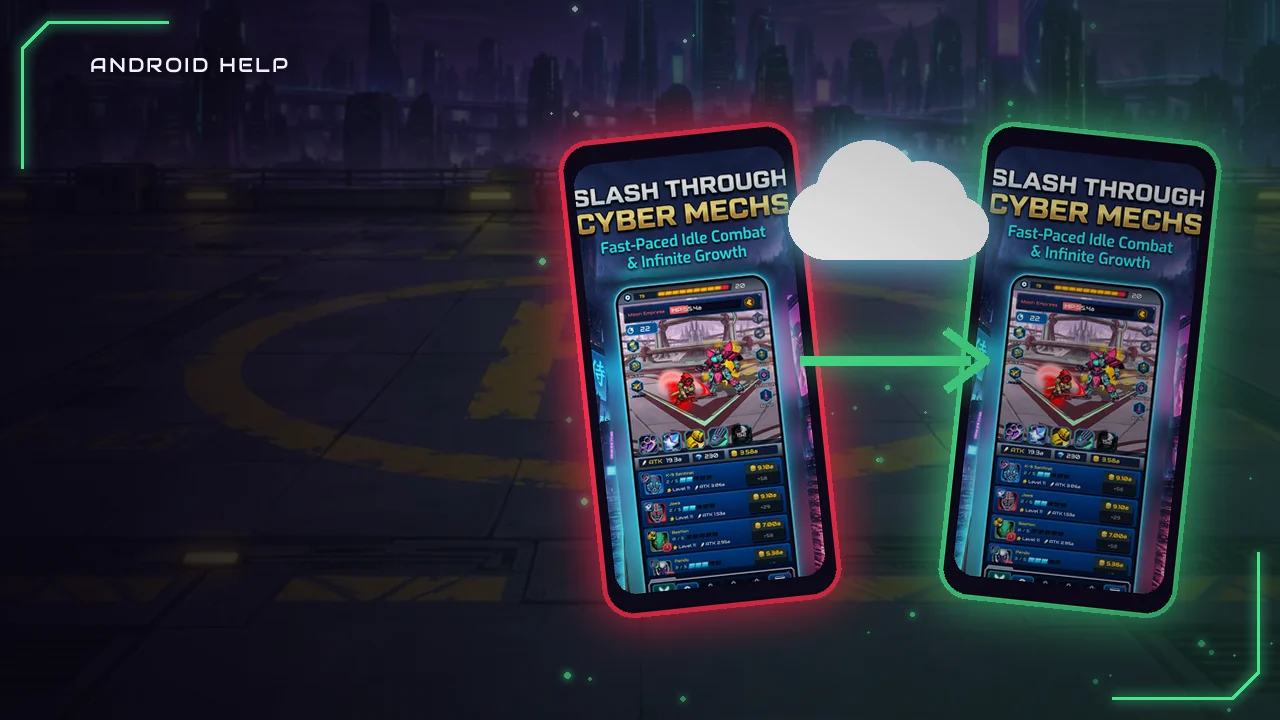
All four ONI Games titles keep your progress on your phone and, once you sign in with Google Play Games, in a cloud save in your own Google account. So if your progress is gone after a reinstall, a phone reset or a move to a new phone, the fix is almost always the same: sign in with the same Google account and load the cloud save. In Idle Summoner you do that yourself from Settings; the other three games offer it on their own.
This page is from us, the developer. Below are the exact steps for each game, taken from how the games are built, plus the few mistakes that can replace a good save.
Before you do anything else: do not clear the game's data, and in Idle Summoner do not tap Save until you have loaded your old progress.
The quick fix for each game
| Game | When it backs up | How to get your save back |
|---|---|---|
| Idle Ronin | Automatically, about every 3 minutes and when you leave the game, once you are signed in | Open the game signed in. If the cloud save is further ahead, a CLOUD SAVE box shows both saves: tap LOAD. |
| Idle Summoner | Only when you tap Save in Settings | Open Settings, sign in with Google Play Games, tap Load and confirm. |
| Idle AI Factory | Automatically, about every 3 minutes, once you are signed in | Open the game signed in. If the cloud save is further ahead, a CLOUD SAVE box shows both levels: load it instead of choosing Later. |
| Block Brain | After every finished game and other progress, once you are signed in | Open the game signed in. It loads the cloud save by itself when that one has more Brain XP. |
Step by step: a new phone or a reinstall
- Make sure the phone uses the same Google account you played with. If it has several accounts, check which one Google Play Games uses.
- Install the game from Google Play and open it.
- Let it sign in to Google Play Games. Idle Summoner signs in from its Settings screen.
- Load the cloud save: tap LOAD in Idle Ronin, confirm the load in Idle AI Factory, tap Load in Idle Summoner's Settings, or simply wait a moment in Block Brain.
- Check your stage, level or Brain before you play on.
Our general guide to moving game progress to a new Android phone covers the same steps for games from other studios.
Idle Ronin
Idle Ronin writes a cloud save at most every 3 minutes while you play, and again when you leave the game. When you start the game signed in, it reads the cloud save first. If the cloud copy is further ahead, measured by your highest stage and rebirths, a CLOUD SAVE box shows both: the cloud's stage and rebirths and this device's. Tap LOAD to bring the cloud progress back.
If you close that box instead, the game carries on with the progress on this phone, and that is what it backs up from then on. So when the box appears on a new phone, loading is almost always the right answer. If the cloud copy is not ahead, nothing is shown and your current progress is simply backed up.
Idle Summoner
Idle Summoner works differently: the cloud copy only changes when you save it yourself. To back up, open Settings, sign in with Google Play Games, tap Save and confirm. The game never uploads a save that has not finished loading, so a half-started game cannot wipe your backup.
To restore, open Settings on the new phone or after a reinstall, sign in with the same Google account, tap Load and confirm. Loading replaces the progress on that phone with the cloud copy and restarts the game. After a load, the Load option waits 30 minutes before you can use it again.
The one mistake to avoid: if you start a fresh game and tap Save before you load, the fresh game becomes your cloud copy. Load first, then save. Our beginner's guide also covers the save steps.
Idle AI Factory
Idle AI Factory keeps a cloud save of your whole factory and updates it about every 3 minutes while you are signed in. When you start the game on a new phone, it compares the cloud copy with the phone's. If the cloud is further ahead, a CLOUD SAVE box shows the level of each: load it, or choose Later to keep playing the phone's progress for now.
The game holds back your offline earnings until you have made that choice, because loading the cloud save replaces everything on the phone, including coins you had not collected yet.
Block Brain
Block Brain saves your Brain level and XP, coins, boosters, best scores, Brain Express records, Daily Puzzle streak, nickname and cosmetics. Right after you sign in, it reads the cloud save once and uses it only if it has more Brain XP than the phone, so a game you played offline is never replaced by an older copy. After that it backs up again whenever your progress changes.
Why progress goes missing
- Another Google account. The most common cause. Play Games may be signed in with a different account than the one you played with. Switch accounts and open the game again.
- The game was never signed in. Without Google Play Games, the save lives only on the phone, and uninstalling or resetting the phone removes it.
- The app's data was cleared. Clearing storage in Android's app settings deletes the phone copy, exactly like a reinstall. The cloud copy is not affected.
- A fresh start was saved over the old one. In Idle Summoner this happens only if you tap Save before Load. In Idle Ronin and Idle AI Factory it can happen if you dismiss the load box and keep playing.
- The old phone was never backed up. If you played on it without signing in, the progress is still only on that phone. Do not reset it until you have signed in there and let the game back up.
What about purchases?
Purchases made on Google Play belong to your Google account, not to the phone. Permanent purchases, such as removing ads, come back when you use the same account. Things you use up, such as gems, coins or scrolls, are part of your progress, so they come back with the save. Our guide to Google Play refunds explains what to do if something you paid for is missing.
Still missing? What we can and cannot do
Your save lives on your phone and in your own Google account, and we cannot see or edit either one, so we cannot restore progress that was never backed up. We can still help you check the steps. Use the contact link in the Help section of the game's page and tell us the game, your phone model, roughly when you last played and what you see on screen. Never send us your Google password; we will never ask for it.
FAQ
Does uninstalling the game delete my progress?
It deletes the copy on the phone. The cloud save in your Google account stays, so if you were signed in, you can load it after you reinstall.
Can I move my progress from Android to an iPhone?
No. Our games are on Android, and Google Play Games saves only work on devices signed in to Google Play Games.
I have two phones. Which save wins?
In Idle Ronin, Idle AI Factory and Block Brain, the further-ahead save is offered or used. In Idle Summoner, the last one you saved from Settings is the cloud copy.