 ONI Games · Published
 The official way to play Android games on a Windows PC is Google Play Games for PC: what it needs, which games it has and how progress syncs with your phone, plus the alternatives.
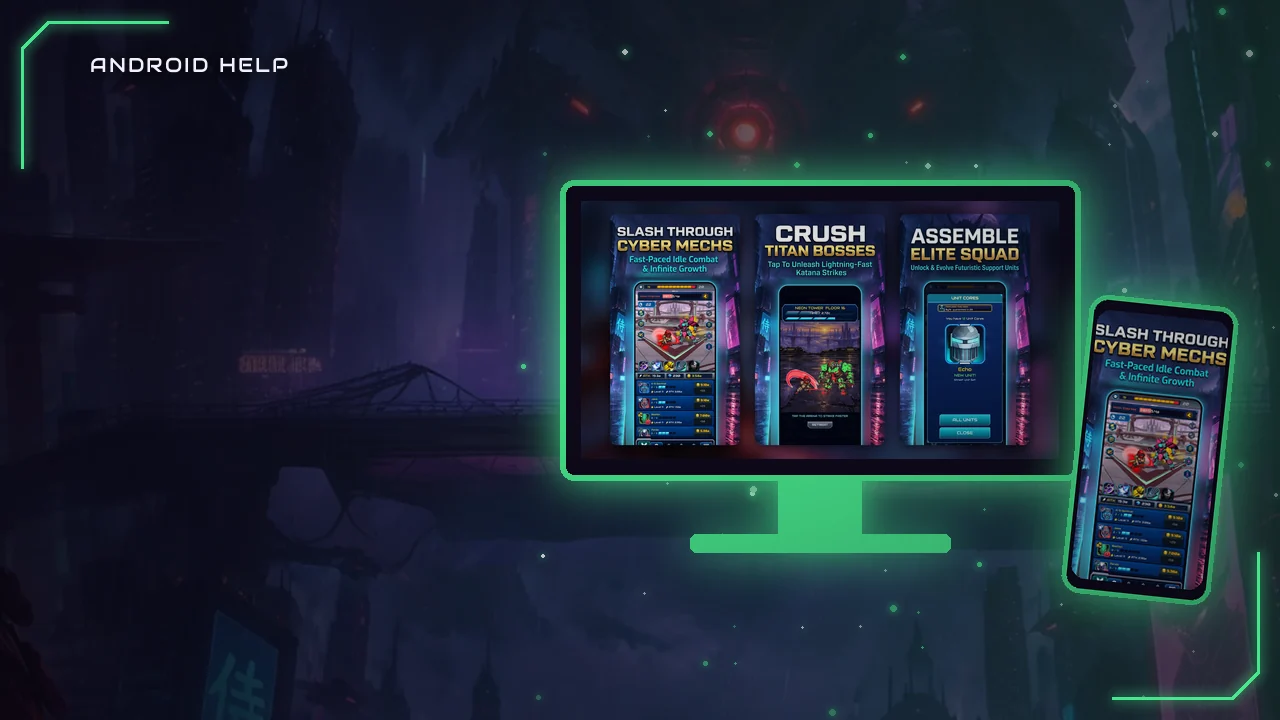
The official way to play Android games on a computer is Google Play Games for PC, a free Windows app from Google. It runs a selection of Android games on your PC, and for many of them your progress syncs with your phone. Not every Android game is available there, so check your favorites first.
What you need (Google's minimum): Windows 10 version 2004 or newer, 8 GB of RAM, 10 GB of free space on an SSD, 4 physical CPU cores, an Intel UHD Graphics 630 GPU or comparable, and hardware virtualization turned on.
Google Play Games for PC
Google describes it as cross-device play: the same profile and rewards on phone, tablet and PC, and you can pick up on the PC where you left off on the phone, for compatible games. The app is free; games and in-game items cost what they cost on the phone.
How to get started
- Check that your PC meets the requirements above, and turn on hardware virtualization in the BIOS or Windows features if needed.
- Download Google Play Games for PC from Google's official site, play.google.com/googleplaygames.
- Sign in with the Google account you use on your phone.
- Install a game from the catalog. If it supports sync, your progress follows you.
Which games are available?
A large and growing selection, but not all Android games. Developers have to make their games available for PC. Search for the game in the app, or look for it on its Google Play page.
Other ways to play Android games on PC
- Android emulators: third-party apps that run Android on Windows. They can run games that are not in Google Play Games for PC, but they come from other companies, vary in quality and privacy, and some games block them. Download them only from the maker's official site.
- Screen mirroring: shows your phone's screen on the PC. The game still runs on the phone.
- The PC version: many popular mobile games also exist on PC, for example on Steam, with a separate save unless the game has its own account system.
Does progress transfer between phone and PC?
In Google Play Games for PC, yes for games that support it. Otherwise it depends on the game's own cloud save or account. The rules are the same as for a new phone: see how to transfer game progress.
FAQ
Is Google Play Games for PC free?
Yes. The app is free; paid games and in-game items cost money as on the phone.
Can I play any Android game on PC?
Not in Google Play Games for PC, which has a selection of games. Emulators can run more, with trade-offs.
Does Google Play Games for PC work on Mac?
Google lists Windows 10 (version 2004) or newer as a requirement.
Sources
- Google, Google Play Games: requirements and features, checked September 2026.