 ONI Games · Published
 The top charts show what is big, not what is good. How to use Google Play's store page, ratings, tags and price ranges like a developer, plus Play Pass, Netflix games and other places to look.
The top charts on Google Play show which games are biggest, not which are best for you. To find great games, read the store page the way developers do: the number of ratings, the tags, the price range of in-app items, the ad label and the date of the last update. Then look beyond the store: curated lists, subscriptions like Play Pass, and premium games that never reach the free charts.
The 30-second store check: rating and number of ratings, Contains ads, the in-app price range, the Updated on date, and two recent reviews.
Read the store page like a developer
| What to check | Where | What it tells you |
|---|---|---|
| Rating and number of ratings | under the title | 4.6 from 200 ratings means less than 4.4 from 200,000 |
| Contains ads | near the install button | whether the game shows ads |
| In-app purchases and their range | near the install button | how much the game can ask you to spend |
| Updated on | About this game | whether the game is still maintained |
| Tags such as Offline | About this game | how and where you can play |
| Recent reviews | Ratings and reviews | what changed lately, good or bad |
Our own data shows why these matter. In our study of 847 idle games, the median rating barely changed with ads, but smaller games had noticeably lower and less reliable ratings, and 60% sold an item for $99.99 or more. The numbers on the store page tell you a lot, if you read them together.
Places to find games beyond the top charts
- Premium games. Paid games rarely reach the free charts, but they are often the best on the store: no ads, no pressure. See the best Android games with no ads.
- Google Play Pass. A subscription with more than 1,000 games and apps without ads or in-app purchases, shareable with up to five family members. Availability varies by country.
- Netflix games. A Netflix subscription includes a catalog of mobile games on Google Play, marked as Netflix editions, without ads or purchases.
- Curated lists. Genre lists written by people who play, like our best mobile games of 2026 by genre.
- Similar games. Start from a game you love and look for its closest matches; we compare games in our games like series, such as games like Cookie Clicker.
- Communities. Game forums and subreddits often surface small gems long before the charts do.
- Pre-registration pages for upcoming games; see pre-registration explained.
Red flags on a store page
- Many five-star reviews with no text, all at once.
- A rating that dropped recently; read the newest reviews to see why.
- Screenshots that do not look like gameplay.
- No update for years in an online game.
- A top in-app price in the hundreds for a simple game.
About small games
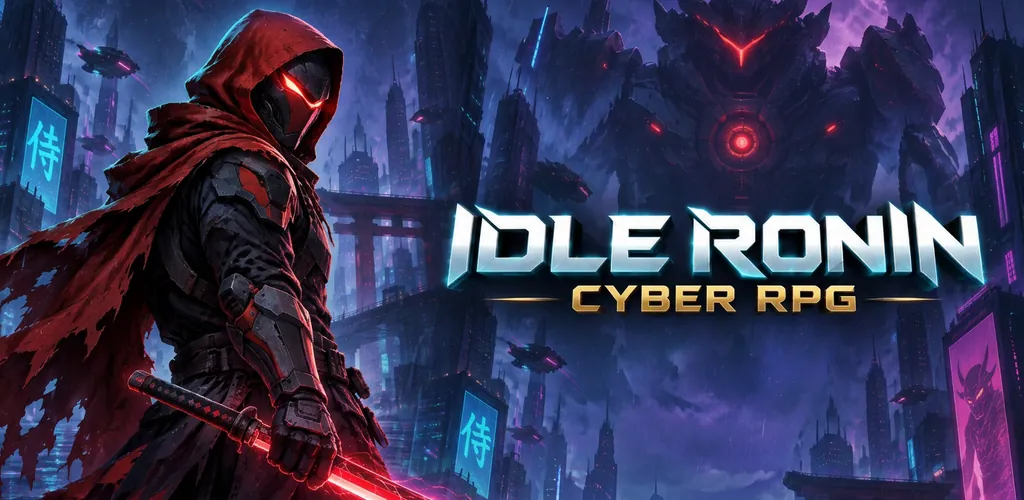
Small games from small studios, ours included, have few ratings at first, which makes them easy to overlook. If a small game looks good, read its reviews and its description; a developer who explains clearly how the game works and how it makes money is usually a good sign. Our own games are Idle Ronin, Idle Summoner, Idle AI Factory and Block Brain.
FAQ
How do I find good games on Google Play?
Check the rating together with the number of ratings, the ad label, the in-app price range and the last update, then read a few recent reviews. For discovery, use curated lists, Play Pass and premium games.
Is Google Play Pass worth it?
If you play many premium-style games and hate ads, it can be: more than 1,000 games and apps without ads or in-app purchases, shareable with family. Check which games are included in your country first.
Sources
- Google, Subscribe to Google Play Pass, Google Play Help.
- ONI Games, Idle games on Google Play in 2026.